
Working with timelines and dependencies
Set up dependencies so the schedule reflects how the work actually flows.
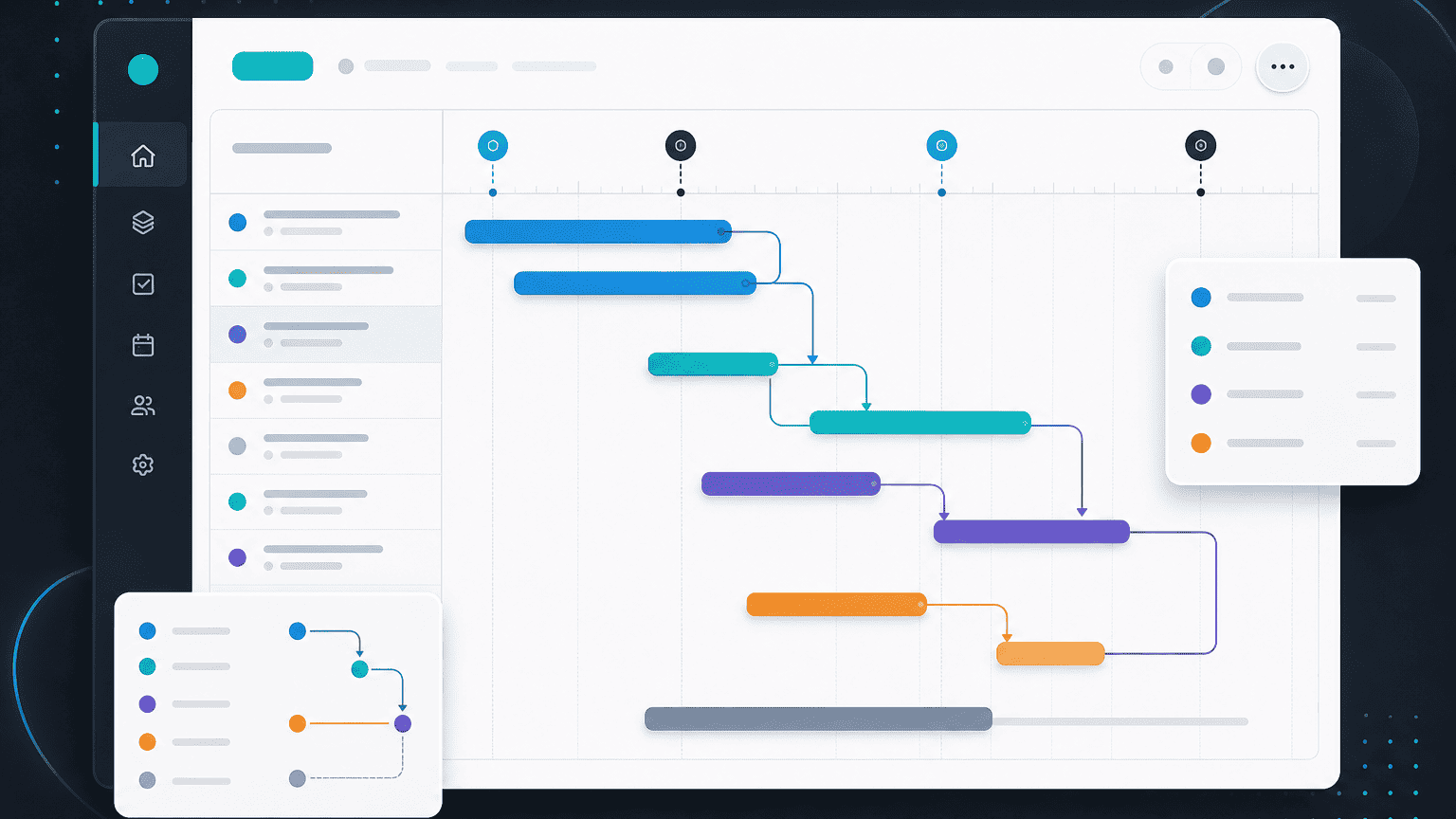
Most schedules slip not because a single task ran late, but because a downstream task couldn't start until an upstream one finished. Dependencies make that visible before it becomes a problem.
Setting a dependency
Open any task and add a "blocked by" relationship to another task. Once set, PYNGYN's timeline view shows the chain, and the dependent task's earliest start date updates automatically if the upstream task's date changes.
Reading the timeline view
The timeline (Gantt) view lays out every task against the calendar, with dependency lines connecting related tasks. Tasks at risk of pushing a downstream deadline are flagged, see "How AI risk detection works" for how that flagging works.
A common pattern: client sign-off
In professional-services work, the most common dependency is a client approval blocking the next phase. Model the approval as its own task with an owner (often the client, if you're sharing the project via Client Space) so a late sign-off shows up as a flagged dependency, not a silent delay.