
May 8AI features3 min read
Asking Pyng, your AI assistant
Get quick answers about your plan and PYNGYN without leaving your workspace.
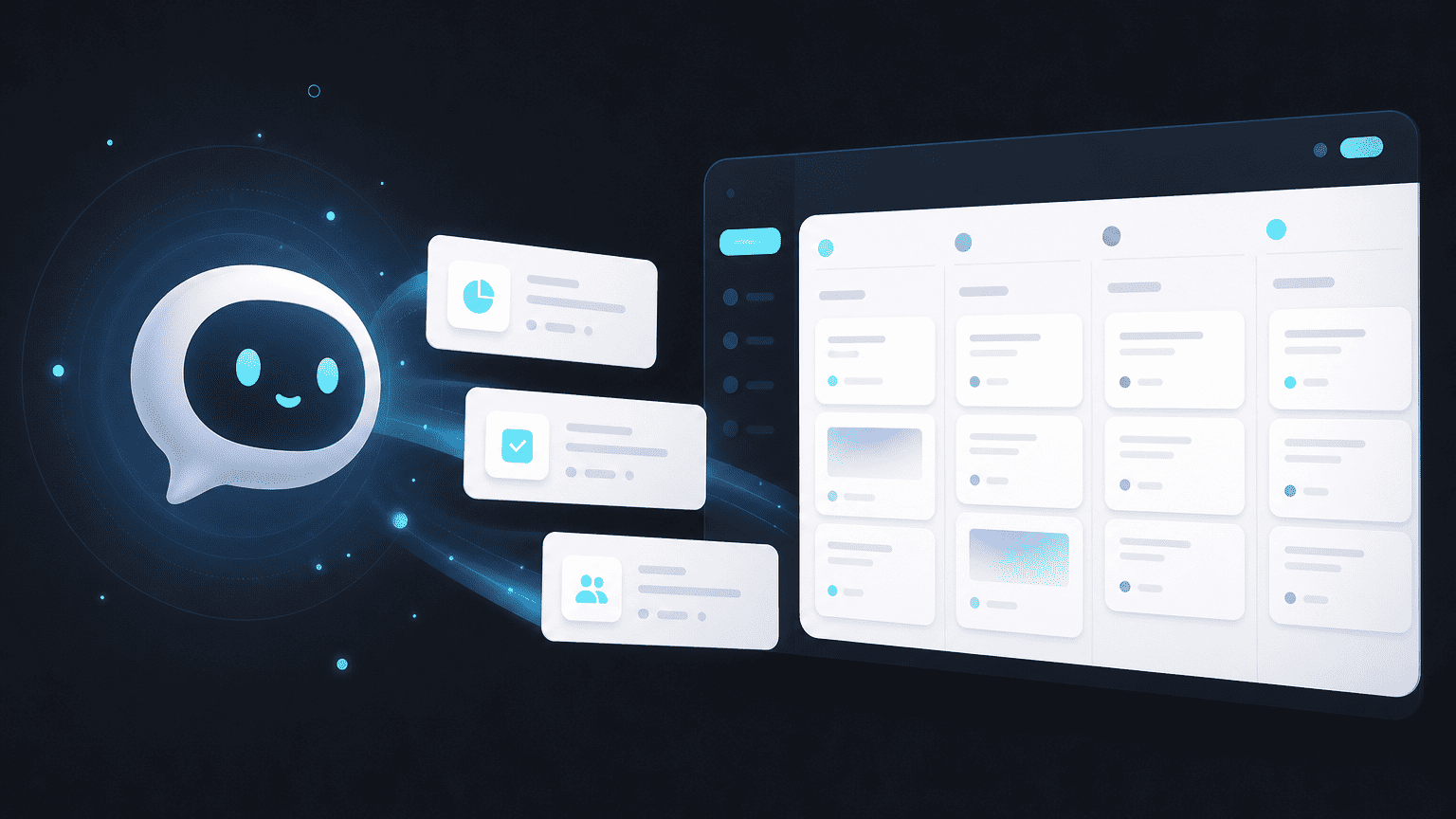
Pyng is the AI assistant built into your workspace, for quick questions about your projects or about how to use PYNGYN itself, without switching tools or digging through settings.
What you can ask
- "What's at risk this week across my projects?"
- "Summarize the status of the Northwind engagement."
- "How do I set up SSO for my team?"
- "What changed on this project since Monday?"
Where to find it
Pyng is available from the assistant icon in your workspace, on any page. It has context on the project you're currently viewing, so you don't need to re-explain what you're looking at.
A note on your data
Questions you ask Pyng are processed to generate an answer and are not used to train AI models without your explicit consent.