
May 17AI features6 min read
How AI risk detection works
PYNGYN reads workload and dependencies to flag what threatens your deadline, early.
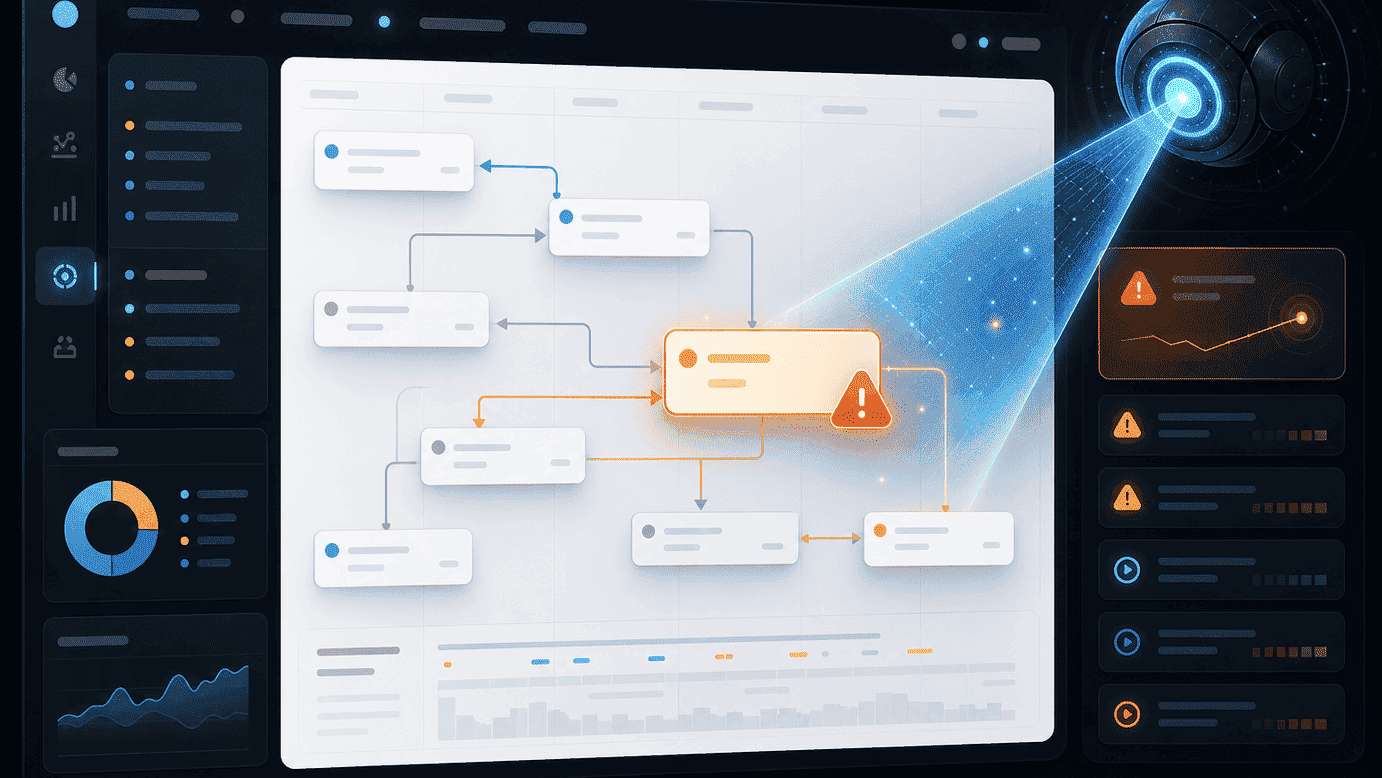
Risk detection watches every active project for the patterns that typically cause professional-services work to run late, and flags them while there's still time to act.
What it actually looks at
- Task dependencies: a task blocking a downstream deadline that's falling behind
- Workload: an owner with more at-risk work than they can realistically finish on time
- Stalled tasks: work that hasn't moved in longer than is typical for that kind of task
Where flags show up
Risk flags appear directly on the project board and in your portfolio dashboard, not in a separate tool you have to remember to check. See "Keeping status current automatically" for how status and risk work together.
Tuning what you see
If your team finds a particular kind of flag noisy, tell us in a support request, risk detection is tuned over time based on real usage patterns, not a fixed one-size-fits-all threshold.
Read more
For the full picture of how this fits into your firm's workflow, see the Risk detection page.