
Sync milestones to Google Calendar
Keep deadlines where your team plans their day.
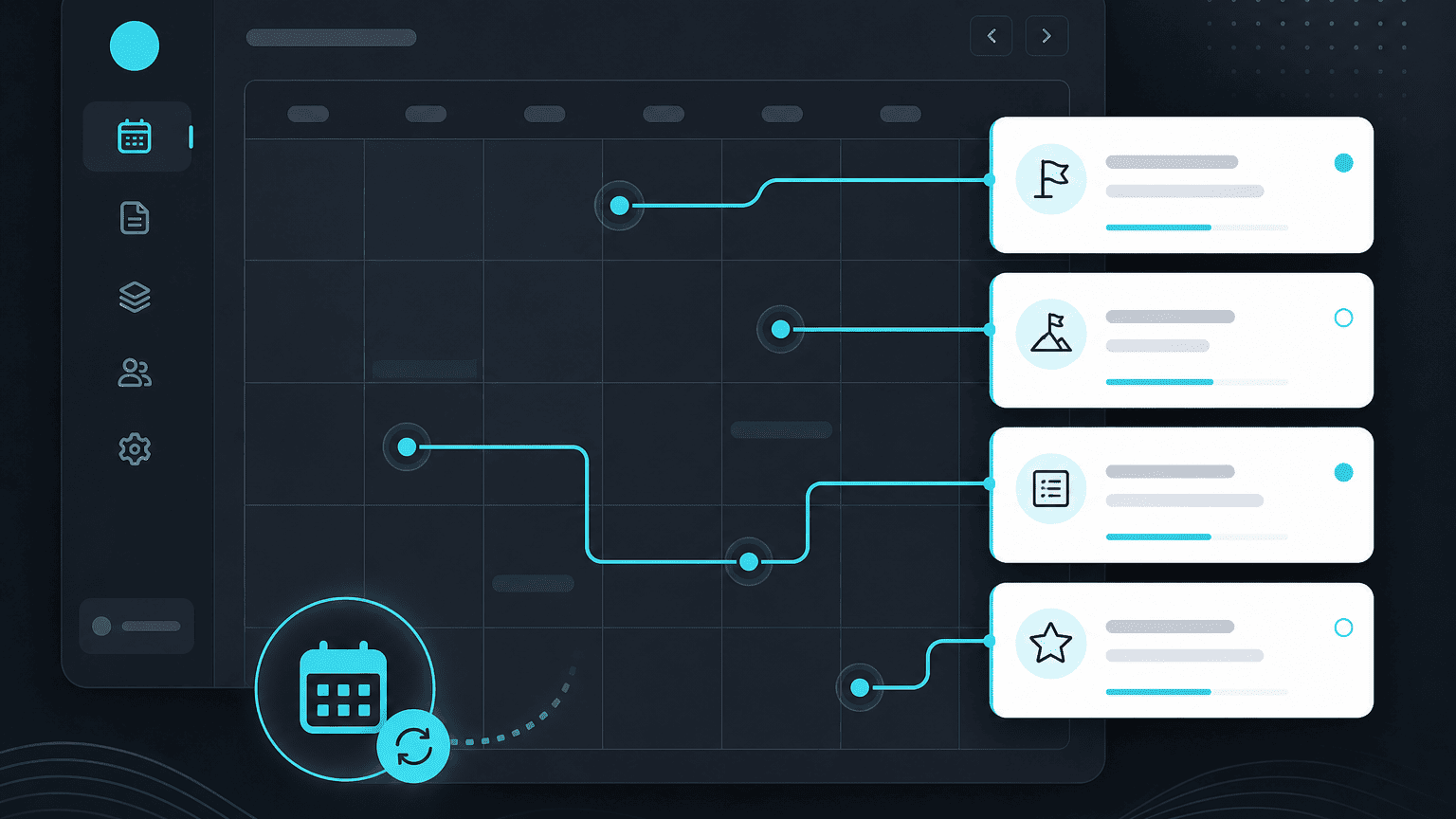
Rather than asking your team to check PYNGYN for upcoming deadlines, sync milestones and due dates straight into the Google Calendar they already plan their day around.
1. Connect your calendar
From Workspace Settings → Integrations → Google Calendar, connect your account. Each teammate connects their own calendar individually, from their own settings.
2. Choose what syncs
You can sync project milestones only, or every task with a due date assigned to you. Most people start with milestones and add more once they see how it looks.
3. Two-way updates
If a date changes in PYNGYN, the calendar event updates automatically, no stale meeting invites left behind after a deadline moves.
Client-facing sessions
Upcoming client sessions and calls also appear automatically in the client's own Client Space, so this isn't only an internal-team feature.