
Sharing plans with clients and stakeholders
Give the right people a clean, read-only view of progress.
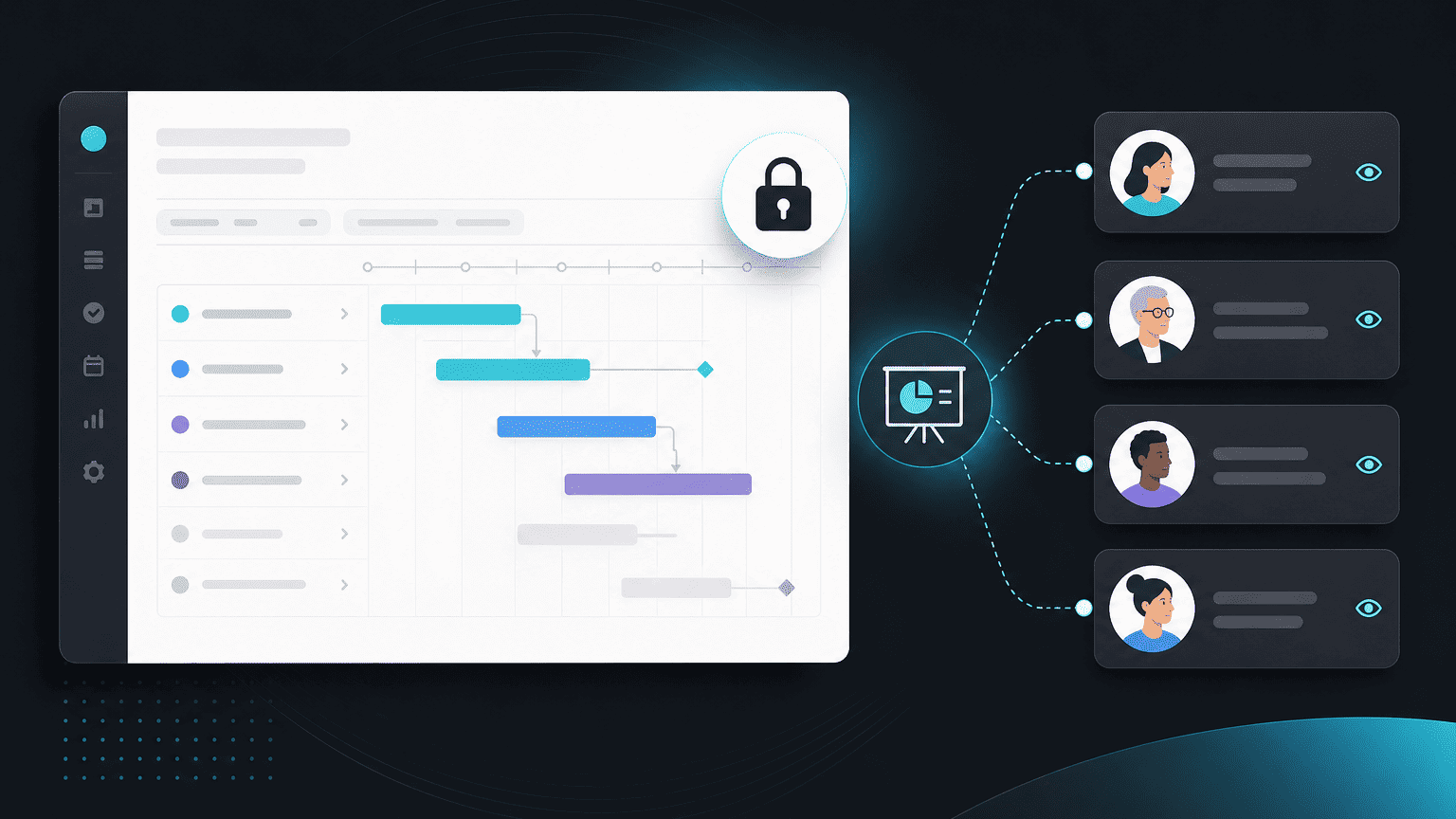
There are two ways to give a client visibility into their work: a lightweight read-only share, or a full Client Space. This guide covers both, and when to use each.
Lightweight sharing
From any project, click Share to generate a link showing a clean, read-only view of status and timeline. No login required. This is a fast way to give a one-off stakeholder visibility without any setup.
Client Space, for ongoing client relationships
For clients you work with on an ongoing basis, Client Space gives them a branded, persistent portal, status, documents, approvals, and invoices, that they can return to any time, joining with a one-click magic link rather than a link you have to re-send.
Which one to use
A one-off share is enough for a single stakeholder update. If a client will be checking in repeatedly over the life of an engagement, Client Space removes the repeated "can you send me the latest link" back-and-forth entirely.