
Workspace basics: spaces, projects, and tasks
Understand how PYNGYN organizes work so your team can find anything fast.
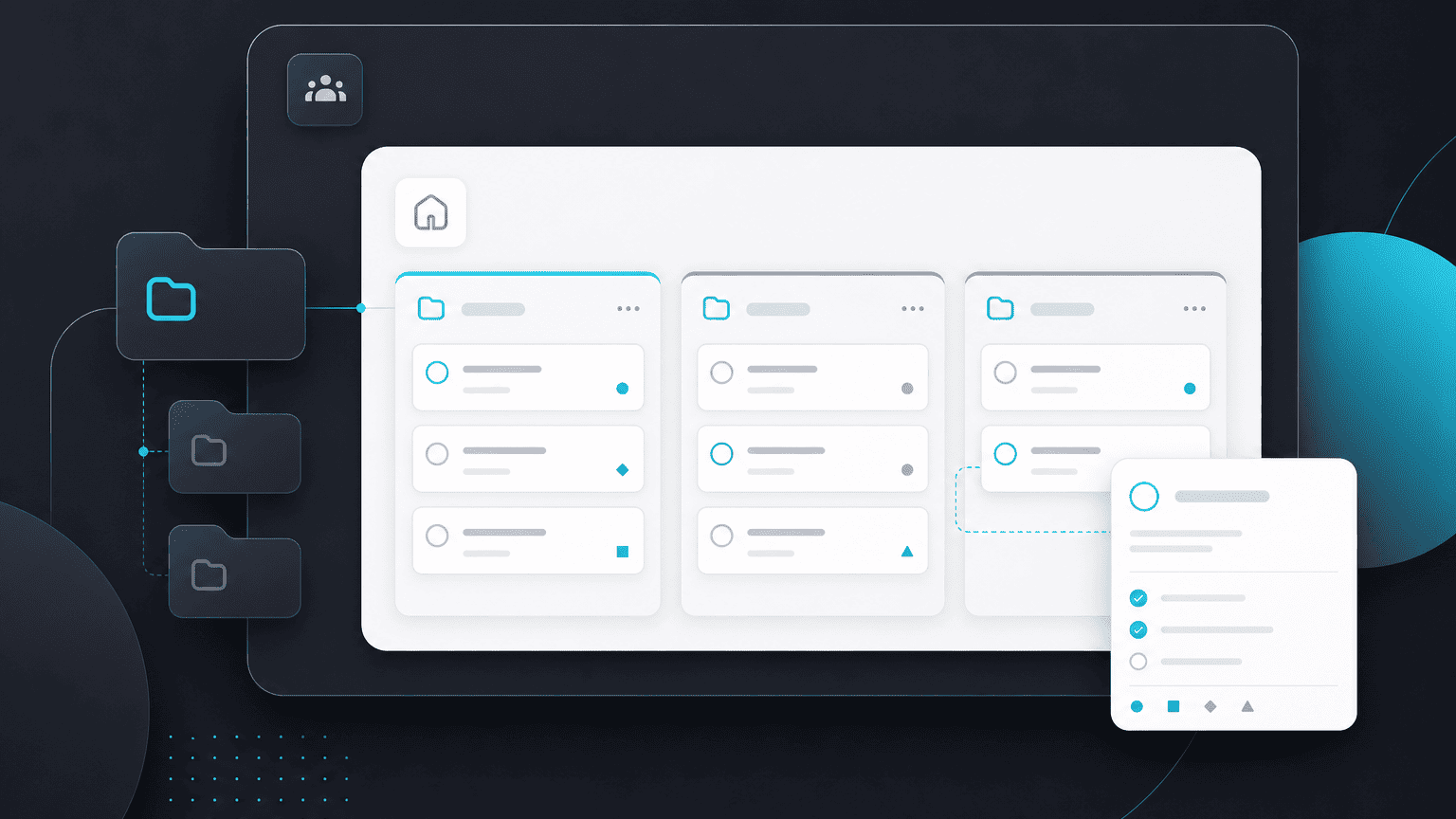
PYNGYN organizes work in three layers. Understanding them makes everything else in the product click into place.
Workspace
Your workspace is your firm's whole operating layer, everyone on your team, every project, and your firm-level settings live here. Most firms have exactly one workspace.
Projects
A project is a body of work with a goal, usually mapped to a client engagement, an internal initiative, or a matter. Projects hold the tasks, timeline, and documents for that piece of work.
Tasks
Tasks are the individual units of work inside a project, each with an owner, a status, and (usually) a due date. Tasks can depend on each other, so the schedule reflects how work actually flows.
How it fits together
A director sees every project across the workspace. A manager runs specific projects. An individual contributor sees the tasks assigned to them. Clients, if you use Client Space, see only their own project's client-facing view, never your workspace.