
An integration isn't syncing, what to do
Step-by-step checks to get a connection working again.
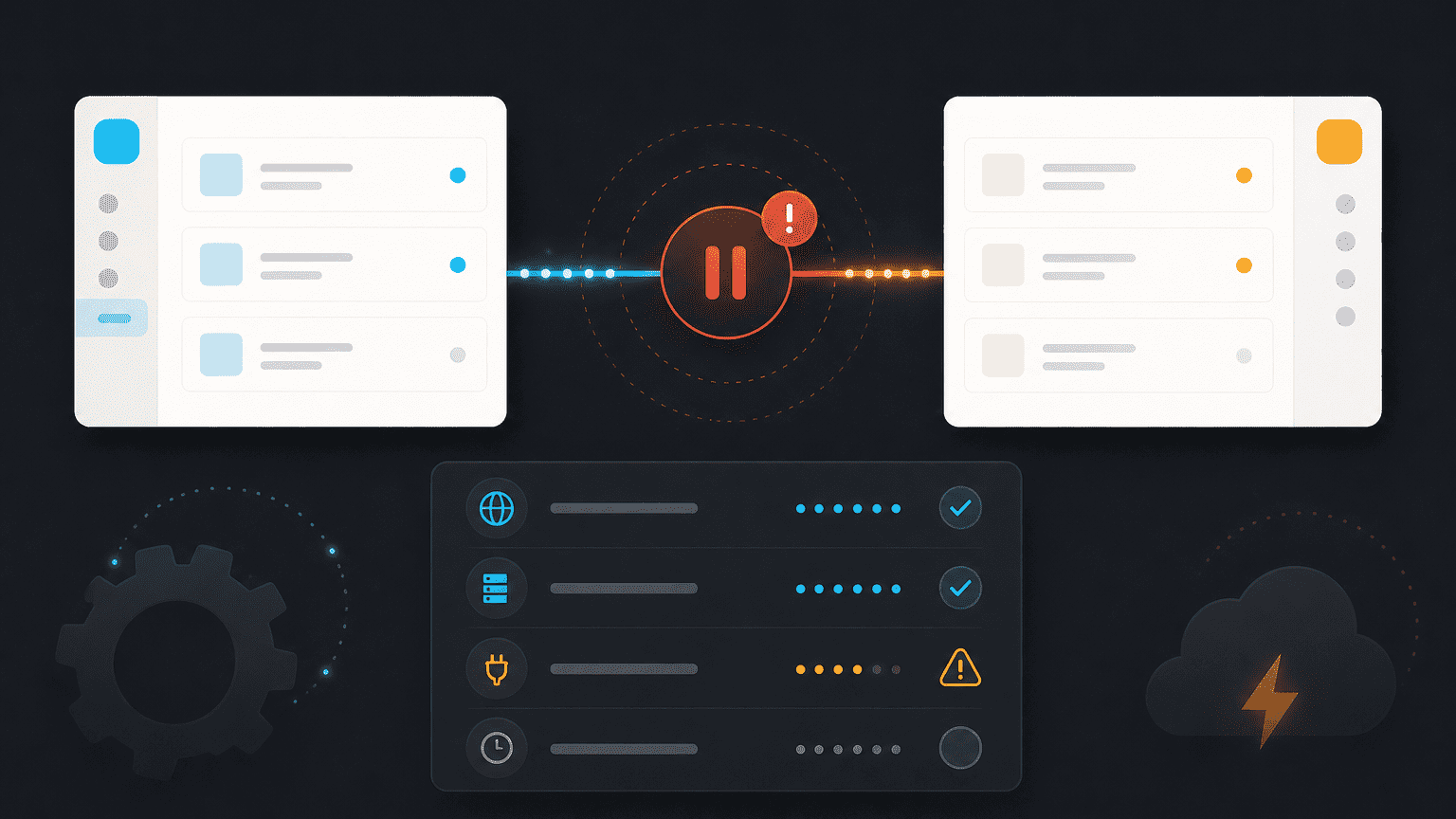
When an integration stops syncing, it's almost always one of a few common causes. Work through these in order.
1. Check the connection is still authorized
Go to Workspace Settings → Integrations and check the integration's status. A connection can be revoked from the other side (for example, if a Slack admin removes the app), which shows here as "disconnected." Reconnect if so.
2. Check permissions haven't changed
If the account that originally connected the integration has since lost access on the other side (left the company, had permissions reduced), the sync will silently stop. Reconnect using an account that currently has the right access.
3. Check what's actually configured to sync
It's easy to assume everything syncs by default. Revisit the integration's settings and confirm the specific channels, projects, or data types you expect are actually turned on.
4. Give it a few minutes
Most syncs run on a short delay, not instantly. If you just made a change, wait a few minutes before assuming something's broken.
Still not syncing?
Contact support with the integration name and roughly when it last worked correctly.