
Notifications aren't arriving
Common reasons alerts go quiet, and how to turn them back on.
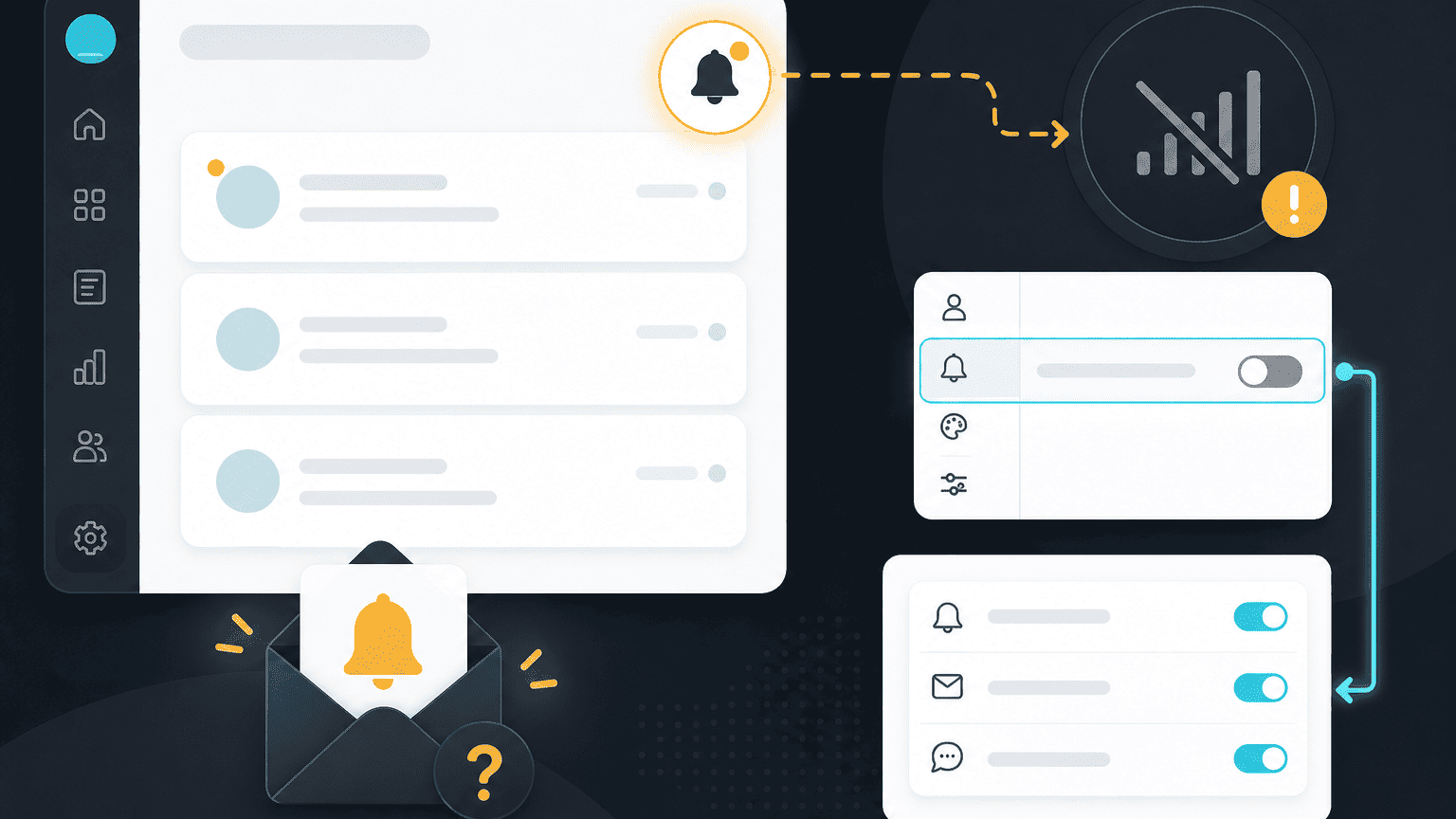
If notifications have gone quiet, it's usually a settings or delivery issue rather than anything wrong with your account. Check these in order.
1. Check your notification settings
From your personal settings → Notifications, confirm the notification types you expect (mentions, assignments, risk flags) are actually turned on, and for the right channel, in-app, email, or Slack.
2. Check email delivery
Email notifications occasionally land in spam or get filtered by a corporate mail gateway. Search your inbox (including spam) for a recent PYNGYN notification, and ask your IT team to allowlist our sending domain if needed.
3. Check Slack notification settings
If you expect Slack notifications specifically, confirm the Slack integration is still connected (see "An integration isn't syncing, what to do") and that you haven't muted the channel PYNGYN posts to.
Still not arriving?
Contact support and let us know which notification type is missing and which delivery channel you expected it on.